Free community learning portal

Financial Fraud Education

Learn how to spot pressure, protect your money and respond safely. Every lesson uses plain language and can be completed at your own pace.

Created for community learning, with newcomers, immigrants and Indigenous communities in mind. You never need to feel embarrassed about asking for help.

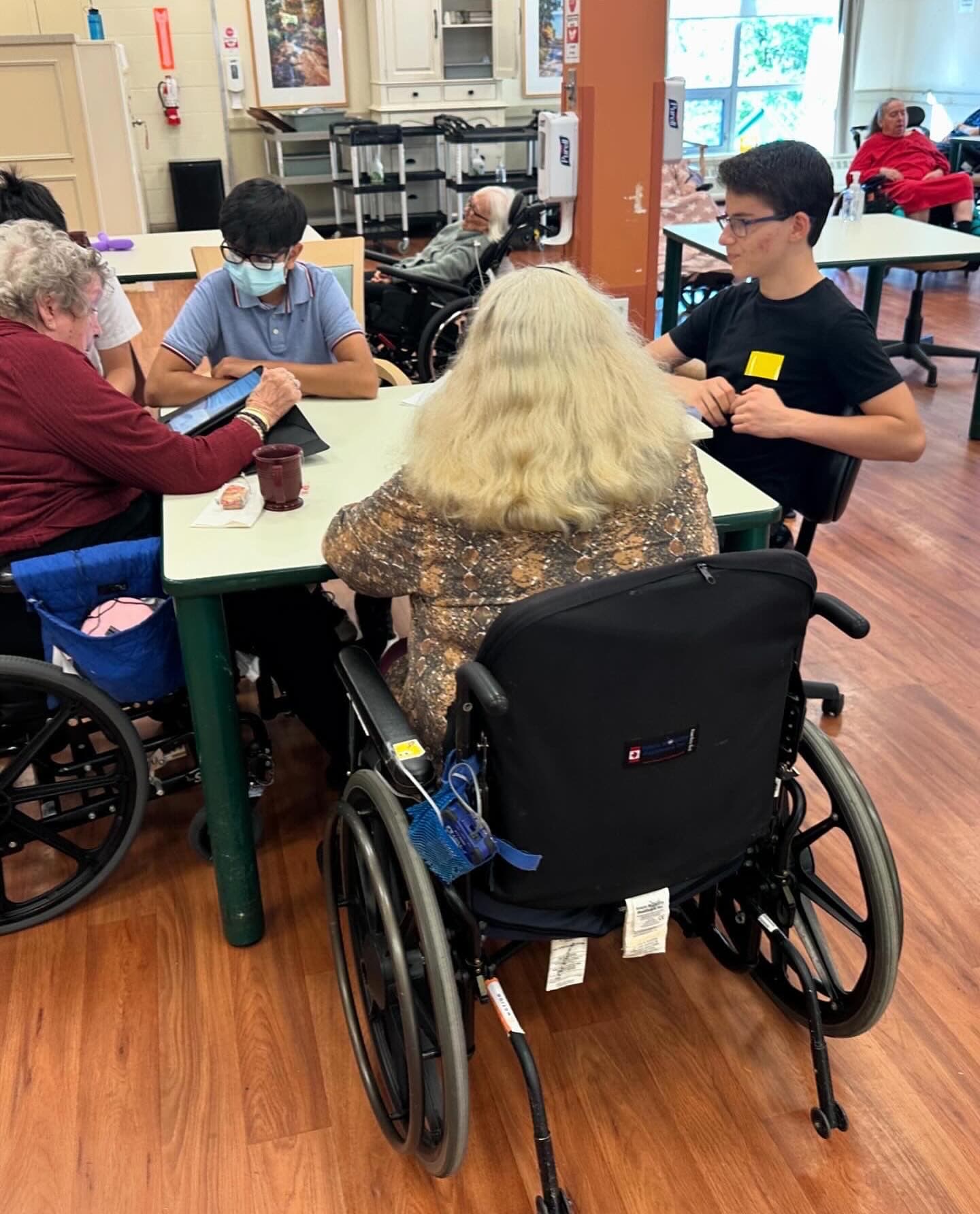
A TechWiseTutors volunteer helping community members with tablets
Spot
Protect
Respond

Has money or personal information already been shared?

Contact your financial institution immediately, then report the incident to local police and the Canadian Anti-Fraud Centre.

Go to the official reporting service

Three short modules

Learn, pause and practise

Each module takes about five minutes. There is no score and no personal information is collected.

Module 01

Recognizing Digital Deception

Scammers may pretend to be a bank, government office, delivery service, relative or technical support worker. They use urgency and trust to make people act before checking.

What to know

1

Phishing and spoofing

A text, email or caller ID can look real and still be fake. Do not use the link or phone number in an unexpected message. Find the official contact information yourself.

2

Emergency and confidence scams

A caller may claim a loved one is in trouble. Someone met online may quickly ask for money or promote a guaranteed investment. Pause and verify with a trusted person.

3

Pressure is a warning sign

Be cautious when someone demands secrecy, immediate payment, gift cards, cryptocurrency, passwords or a verification code.

Key takeaways
  • Caller ID can be copied.
  • Banks and government agencies do not need your password or one-time code.
  • Use a family password and call loved ones on a number you already know.

Quick self-check

A text that looks like your bank says your account is locked and gives you a link. What should you do?

Choose one answer.
Module 02

Secure Financial Habits

Small habits make banking and online accounts much harder to misuse. You do not need to be a technology expert to build strong protection.

What to know

1

Bank through trusted channels

Type your bank's address yourself, use its official app and avoid banking on public Wi-Fi. Turn on account alerts and review transactions regularly.

2

Use a unique passphrase

Create a long, memorable passphrase for every important account. A password manager can store them safely so you do not have to remember each one.

3

Turn on two-factor authentication

Two-factor authentication adds another check, such as an app prompt or security key. Never read a sign-in code to an unexpected caller.

Key takeaways
  • Use a different password for banking and email.
  • Install updates from the device's official settings or app store.
  • Ask your bank about alerts for transfers, purchases and new sign-ins.

Quick self-check

Which password habit is safest?

Choose one answer.

Module 03

Incident Response & Recovery

Act quickly, but do not blame yourself. Scams are designed to manipulate people. A clear response can limit harm and help protect others.

What to know

1

Call the financial institution

Use the number on the back of your card or the official website. Ask the institution to secure the account, stop payments if possible and replace affected cards.

2

Secure your accounts

From a trusted device, change the password for the affected account and your email first. Turn on two-factor authentication and sign out other sessions.

3

Document and report

Save messages, receipts, phone numbers and screenshots. Report to local police and the Canadian Anti-Fraud Centre. Watch for recovery scams asking for an upfront fee.

Key takeaways
  • Do not keep communicating with the scammer.
  • Tell a trusted person so you are not handling the situation alone.
  • Real recovery services will not demand gift cards, cryptocurrency or secret payments.

Quick self-check

You sent money after a fraudulent call. What should happen first?

Choose one answer.

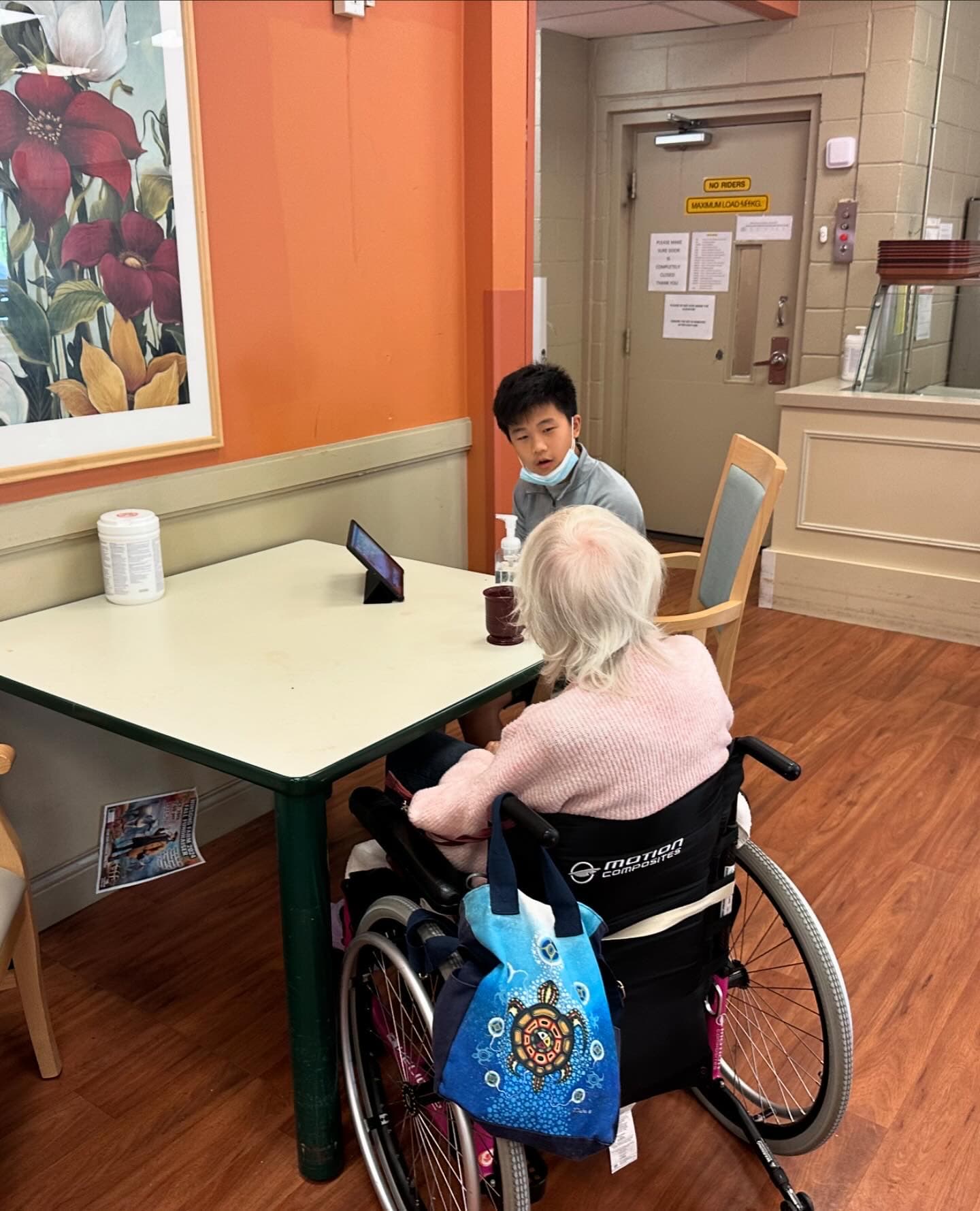
Patient one-to-one technology support in a community session

Remember: Stop. Verify. Ask.

1

Stop

Pause when a message creates fear, excitement or urgency.

2

Verify

Use an official website, app or number you found yourself.

3

Ask

Talk to a trusted family member, community worker or financial institution.